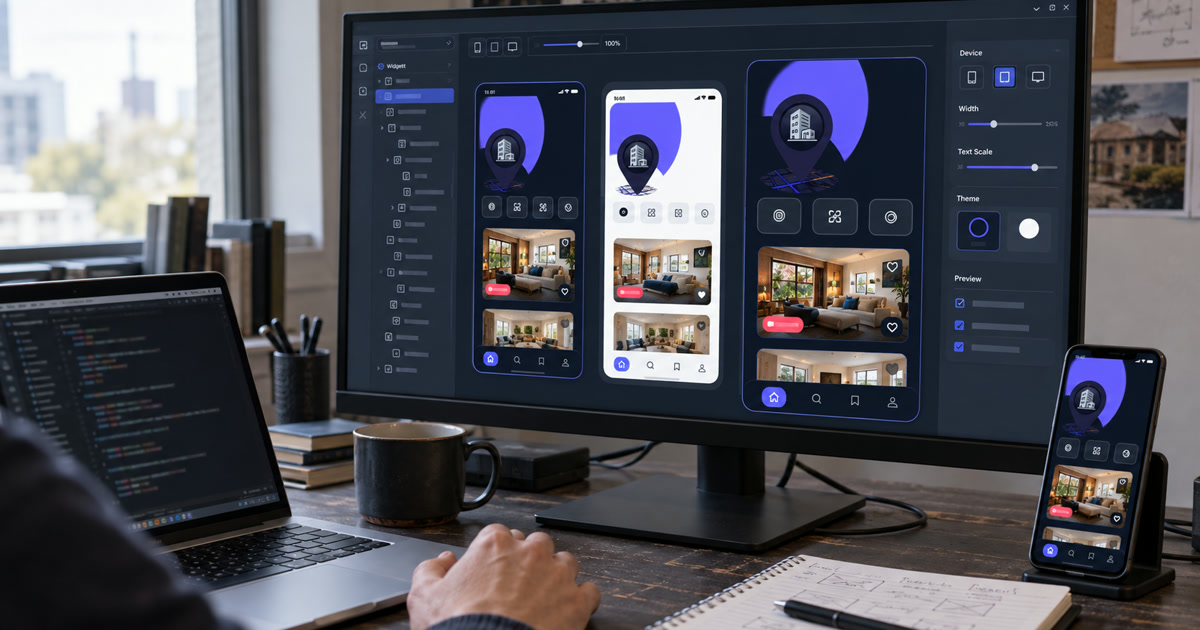
Flutter finally has a stable component preview workflow, but it is useful only if previews stay independent from your app boot sequence. That one condition decides whether the Widget Previewer saves you a few minutes every hour or turns into another piece of scaffolding you maintain and then quietly abandon.
Flutter 3.47 landed on 12 August 2026 and graduated the previewer out of experimental status, along with local project caching, an abstract PreviewThemeData API for layering themes, and automatic copying of your web/ assets when you preview web widgets (What's new in Flutter 3.47). The tool matters more than its size suggests. Flutter's own numbers put the framework at over a million monthly active developers, with Apptopia measuring Flutter at nearly 30% of tracked new free iOS apps in 2024, up from around 10% in 2021 (Flutter blog, December 2024). A change to the default UI loop reaches a lot of keyboards.
If you are new to the framework itself, start with what Flutter is and where it fits before wiring previews into a project.
What does the @Preview annotation actually give you?
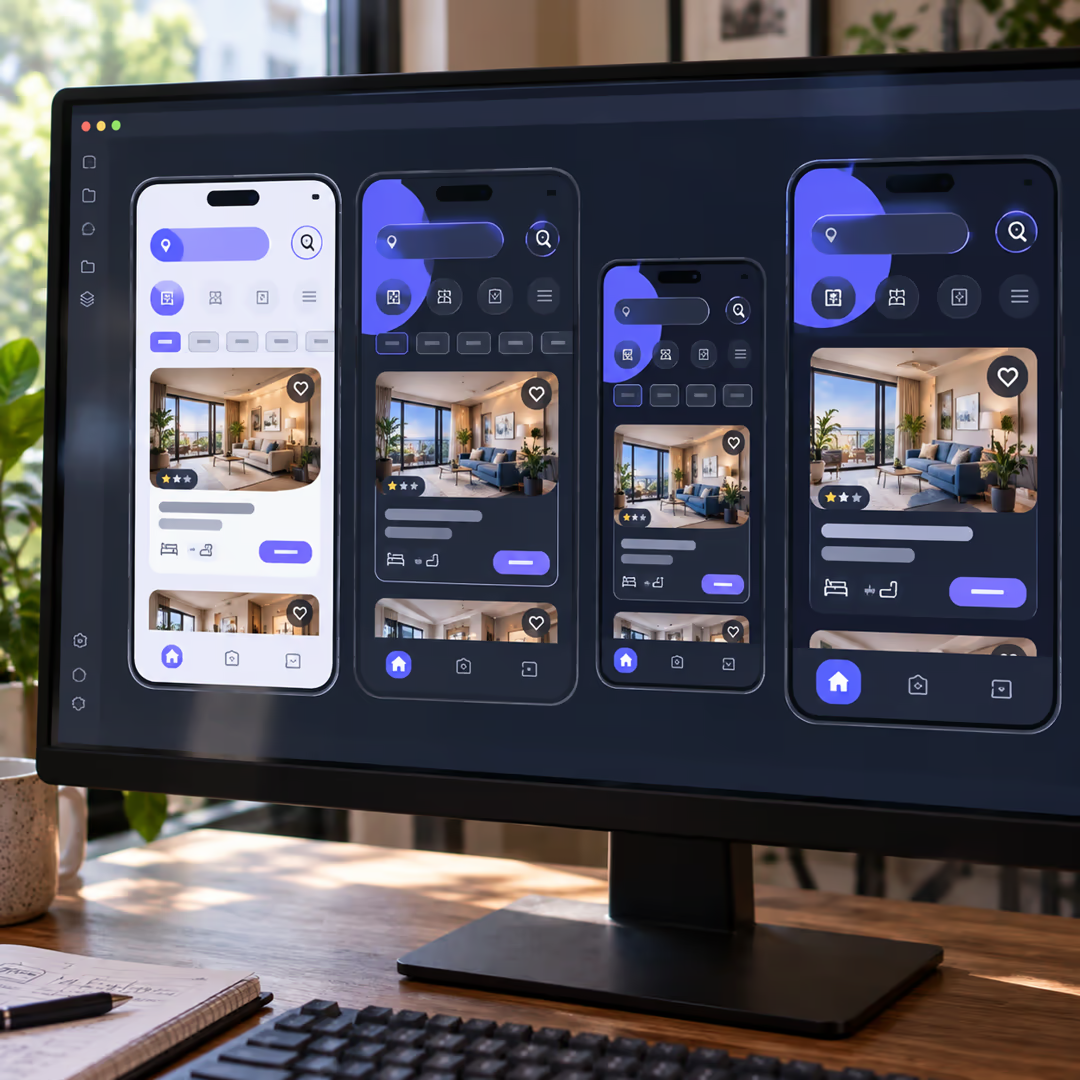
It renders one widget in isolation, in as many themes, sizes and text scales as you declare, without building or launching the rest of your application.
The annotation lives in package:flutter/widget_previews.dart. You can attach it to a top-level function returning a Widget or WidgetBuilder, a static method returning either, or a public constructor or factory that has no required arguments (Flutter Widget Previewer docs).
import 'package:flutter/material.dart';
import 'package:flutter/widget_previews.dart';

@Preview(name: 'PriceTag / compact', size: Size(320, 120))
Widget priceTagCompact() => const PriceTag(amountMinor: 4900, currency: 'EUR');

@Preview(name: 'PriceTag / large text', textScaleFactor: 1.8)
Widget priceTagLargeText() => const PriceTag(amountMinor: 4900, currency: 'EUR');
The parameters you will actually reach for:
| Parameter | What it does |
|---|---|
name | Label shown in the previewer list. This is your search key, so write it like one. |
group | Buckets related previews together under one heading. |
size | Applies an artificial Size constraint instead of letting the widget fill the frame. |
textScaleFactor | Renders at a different font scale, which is the cheapest accessibility check you own. |
wrapper | Runs your widget through a function that puts a widget tree above it. |
theme | Returns a PreviewThemeData so one component can be rendered under several themes. |
brightness | Sets the starting Brightness.light or Brightness.dark. |
localizations | Applies a localization configuration to the preview. |
Start the previewer from the terminal with flutter widget-preview start, or let Android Studio, IntelliJ or VS Code launch it for you on project open. The first run builds a cache into a .widget_preview/ directory at your project root, which is what makes the second run feel instant.
Add that directory to .gitignore. Small, and easy to forget.
The dependency graph is the whole game
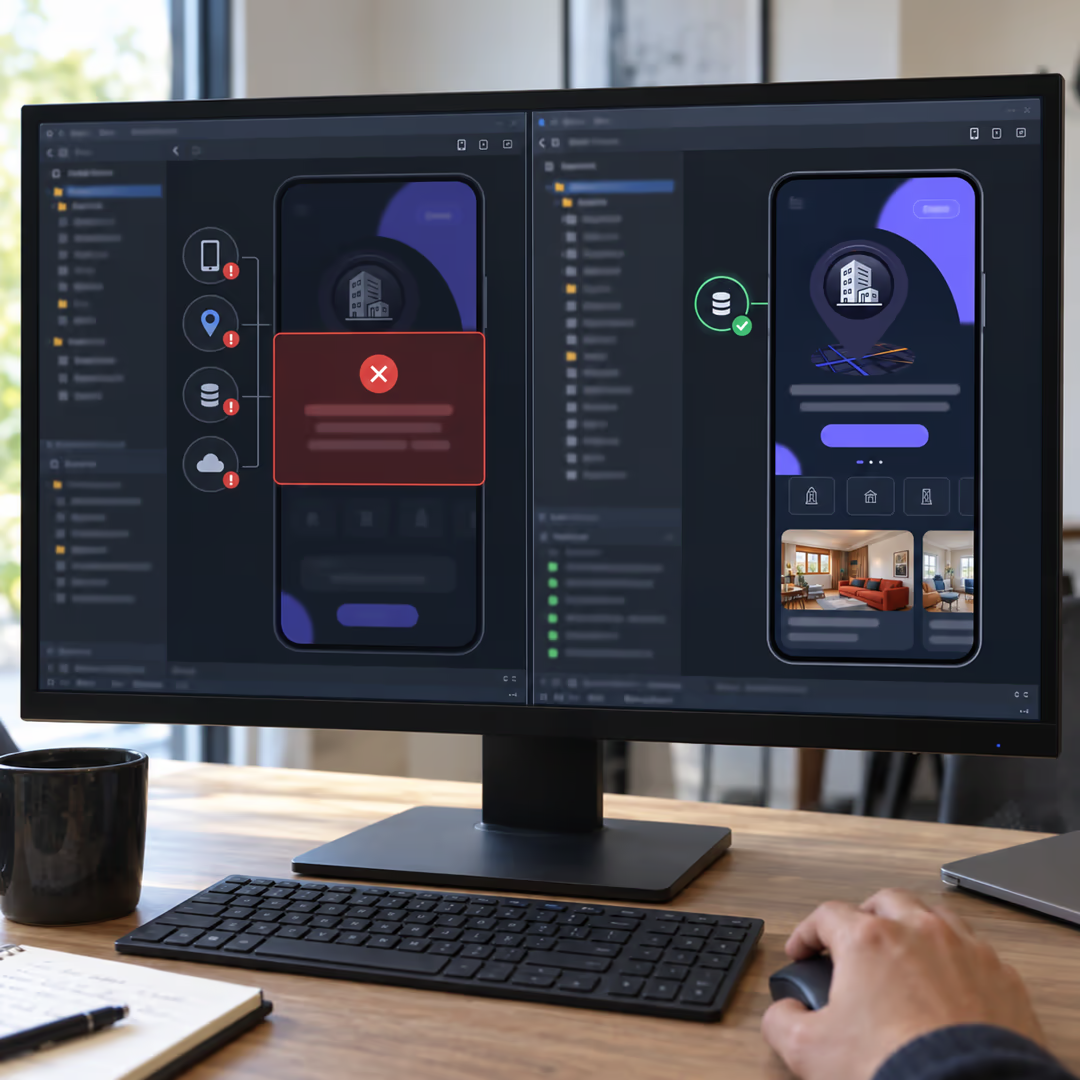
A preview that initializes your whole dependency graph is just a slower emulator with a smaller window.
That is not a style preference. The previewer runs in a browser-backed environment, so native plugins, dart:io and dart:ffi are unsupported, and modifying global state requires a full restart rather than a reload (Flutter Widget Previewer docs). A widget that calls Firebase.initializeApp() on the way to its first frame, or reads from path_provider, does not render. You get an error where you wanted a component.
Actually — that overstates it. Plenty of legitimate screen-level widgets sit under a provider, and refusing to preview them is throwing away most of the value. The distinction is where the dependency comes from. A widget that reads an injected value previews fine, because you can inject a fake above it. A widget that constructs its own dependency cannot, because construction happens inside the frame you are trying to render.
So the previewer applies pressure in a direction you probably already wanted to go: data in through the constructor or an inherited fake, side effects out through callbacks. If a component resists previewing, that is usually a real coupling problem rather than a tooling gap. Majid Hajian makes the adjacent argument about the loop itself in DCM's write-up on the previewer: hot reload is fast at applying a change, but it still assumes you navigate the running app to reach the state you want to look at.
You know the loop. Tweak a padding value, hot reload, tap through login, open a booking, scroll to the empty state, squint, tweak again. How many of those taps were about the widget you were editing?
Wrapping a widget without dragging the app in
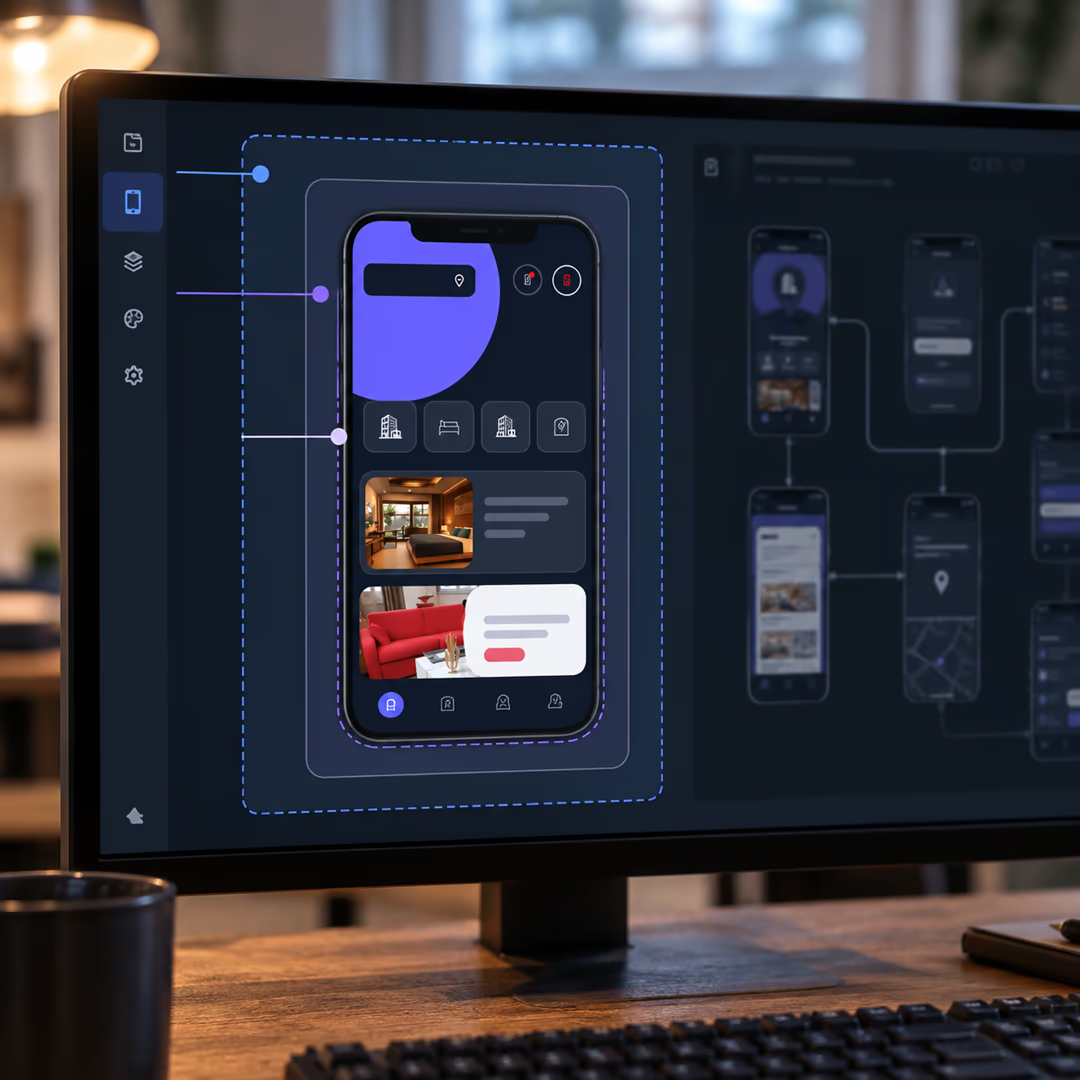
The wrapper parameter takes a function that receives your widget and returns a tree with your widget somewhere inside it. It is where MaterialApp, Scaffold, padding, a background colour and your fake dependencies belong.
// preview_shell.dart — top-level functions, because annotation
// arguments must be const.
Widget cardShell(Widget child) => MaterialApp(
      theme: appLightTheme,
      home: Scaffold(
        backgroundColor: const Color(0xFFF4EFE6),
        body: Center(
          child: Padding(padding: const EdgeInsets.all(24), child: child),
        ),
      ),
    );

Widget cardShellWithFakeRepo(Widget child) => BookingScope(
      repository: FakeBookingRepository.loaded(),
      child: cardShell(child),
    );
Two rules keep this from sprawling. Wrappers live in one file per package, not inline next to each preview, so the shell changes in one place when your theme does. And the fake they inject is a real fake with hand-written data, not a mock framework, because the data is the thing you are looking at.
For state management specifically, the shape of your solution decides how pleasant this is. A scoped InheritedWidget or a single provider at the top of the tree wraps cleanly. A global singleton initialized in main() does not. That trade-off is worth reading about before you pick, and I went through the options in choosing Flutter state management in 2026.
Are previews a replacement for widget tests?
No. Previews show you what a widget looks like right now; widget and golden tests assert that it still looks and behaves the same way next month.
The line matters because the three tools look similar from a distance and fail in completely different ways.
| Widget preview | Widget test | Golden test | |
|---|---|---|---|
| Runs in CI | No | Yes | Yes |
| Can fail a build | Never | On a failed matcher | On a pixel difference |
| Feedback | Immediate, while you type | Seconds, when you run it | Seconds, plus baseline upkeep |
| Verifies | Whatever you notice by looking | Presence and behaviour | Rendered pixels against a baseline |
| Best at | Exploring variants and states | Interaction and state logic | Catching unintended visual drift |
Widget tests use WidgetTester to build and interact with widgets in a test environment, finding them with Finders and asserting with matchers; pixel comparison is a separate matcher, matchesGoldenFile (Flutter widget test introduction). Nothing in a preview asserts anything. Nobody is watching it at 03:00 when a dependency bump shifts your card padding by four pixels.
The overlap is real enough that people keep asking for it to be formalized. There is an open proposal to render widget tests through the preview annotation so you can watch a test's widget tree while writing it (flutter/flutter#180149, filed 19 December 2025, P2). Until something like that ships, treat the preview as the design surface and the test file as the contract.
Where previews break on a real codebase
Six failure modes cover almost everything you will hit:
- Firebase or any service initialized inside the widget. Move initialization to the composition root and pass the client down, or inject a fake through
wrapper. - Plugin-backed widgets. Camera, biometrics, file pickers and anything else riding a platform channel will not render, because the environment has no platform side to talk to.
- Relative asset paths. Assets must be referenced as package paths, such as
packages/design_system/assets/logo.png, rather than the short form you use inside the owning package. This one bites hardest in a monorepo where the design system is its own package and every image suddenly resolves differently. - Required constructor arguments. A public constructor previews only when nothing is required, so annotate a top-level factory function instead.
- Unconstrained widgets. A widget with no intrinsic size gets auto-constrained to roughly half the previewer's dimensions, which is rarely what you meant. Pass
sizeexplicitly. - Non-const callbacks. Annotation arguments are const, so
onTaphandlers have to be top-level or static functions rather than closures.
Half of those are the same lesson wearing different clothes. The previewer wants a widget that can be constructed from values, and it punishes widgets that reach outward for anything at build time. Performance work pushes in the same direction, which I covered in keeping Flutter lists, images and animations smooth.
A convention that survives a design system
For a component library of any size, decide these six things once and write them in the package README:
- Keep previews in the same file as the widget, under a
// --- previews ---divider at the bottom. A separatepreviews/tree drifts out of sync within a month. - Name every preview
ComponentName / state, because the previewer's list is flat and the name is the only thing you can scan. - Set
group:to the component family, not the feature, soButtonsandCardsstay together regardless of which screen uses them. - Put every wrapper in one
preview_shell.dartper package and export it. Two shells,plainShellandscopedShell, cover most components. - Cap variants at three or four per component: default, loaded, empty or error, and one accessibility case at
textScaleFactor: 1.8. Beyond that you are building a catalogue nobody reads. - Add
.widget_preview/to.gitignorebefore the first commit that includes a preview.
The cap in step five is the one people skip, and it is the one that decides whether the previewer is still open in six months. For the rest of the toolchain around this, see my current Flutter development tool picks.
The filter that is not there yet
The previewer renders every preview in the package, with no flag to scope it to a single file or folder. That request is open as flutter/flutter#175237, filed 11 September 2025 and triaged at P2. On a package with eight components you will not care. On a design system with sixty, you will scroll past fifty-nine of them to reach the one you are editing.
Start with one component
Pick the component you have navigated to most often this month, the one that sits four taps deep behind a login and a list. Add two previews to its file: default state and error state. Run flutter widget-preview start, leave it open in a second window for a day, and count how many times you skipped launching the app.
If that count is low, your widget is probably doing its own dependency wiring. Which component would fail that test in your codebase right now?