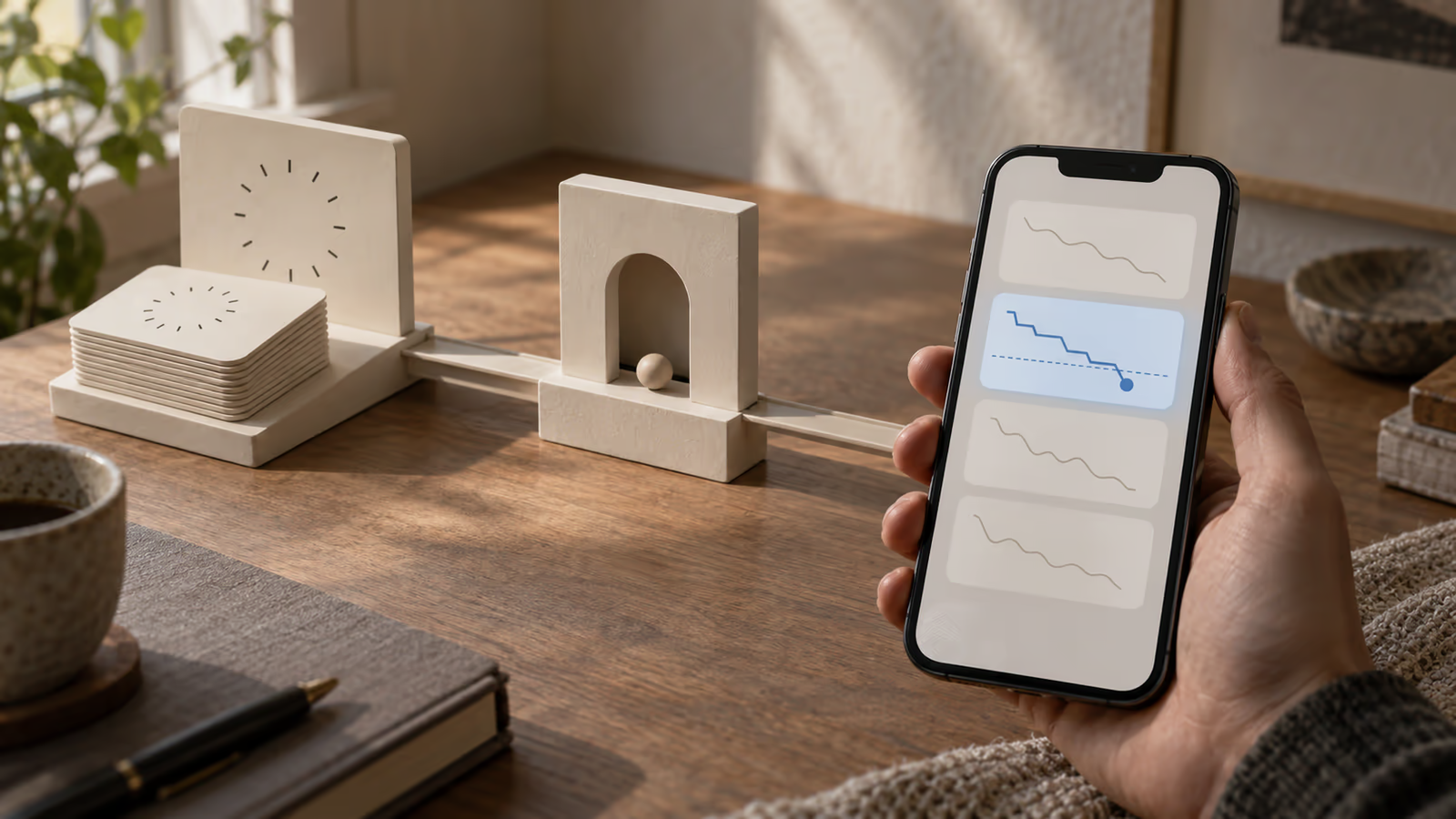
A user saves a price, closes the app, and expects to hear from you when that price moves. Two weeks later they open the app, see the price has dropped, and ask why nothing told them. Or the opposite: three identical pings for one price drop, arriving within a minute of each other.
Both failures come from the same place. The phone cannot watch a price it is not awake to see, and a server that sends first and records afterwards has no way to know it already sent. Move the observation to a scheduled function, write the observation down before deciding anything, and give each alert a document ID you can recompute. A repeated run then writes the same ID and fails, instead of sending a second push.
That is the whole shape. The rest of this article is why each part is load-bearing, which platform limits decide the design for you, and the four feed states you should run before shipping it.
If you are still choosing what sits underneath this, tenant isolation and billing in a Flutter and Firebase SaaS stack covers the stack questions that stay hard. If you need the same event to reach email and an in-app inbox as well as push, routing one notification across channels is the architectural version of this problem.
Everything below uses a synthetic priceWatches collection and invented prices as a demonstration. The Node and Dart snippets are reference implementations checked against the documented API surface of the Firebase scheduler, the Firestore Node client and FCM message options on 8 October 2026. They were not executed: no function was deployed, no message was sent, and no device received anything. A blog build cannot test any of that, so run the checks near the end on your own project before you trust it.
Where does the price come from?
From a feed whose terms permit the access pattern you are about to build. A documented API with a rate limit you respect is the only version of this worth shipping, because a watcher runs forever and an unapproved scraper gets blocked exactly when a user is relying on it. This article does not cover getting around that.
Why does one price change push twice?
Duplicate pushes come from the alert being decided and sent in the same breath, with nothing written down in between, on a function that is allowed to run more than once for the same tick.
That last part surprises people. Firebase's scheduled-functions documentation warns that "a function may be triggered multiple times" and that a new instance can start while a previous one is still running. The common pattern you will find in tutorials is: read the price, compare it, send the push, then set notified: true on the document. Read that order again. Everything between the send and the flag is a window where a second run sees notified: false, sends again, and both runs then write the same flag. Nothing in the logs looks wrong. Two pushes arrive.
The fix is not a lock; it is to make the write that represents the alert happen first, and to make that write collide with itself when it repeats.
Separate observing the price from deciding to alert

Write the observed price as a plain fact with no opinion attached, then run a second step that reads the fact plus the user's rule and decides. The split is what makes the alerting testable, and what leaves history behind when a push never arrives.
An observation answers one question: what did the feed say, and when. It does not know about thresholds, cooldowns or quiet hours. A decision reads one observation and one watch rule and produces either a claimed alert or a recorded reason for staying quiet.
const {onSchedule} = require("firebase-functions/scheduler");
const {logger} = require("firebase-functions");
const {initializeApp} = require("firebase-admin/app");
const {getFirestore, FieldValue} = require("firebase-admin/firestore");
const {getMessaging} = require("firebase-admin/messaging");

initializeApp();
const db = getFirestore();

exports.checkWatchedPrices = onSchedule("every 15 minutes", async () => {
  const watches = await db.collection("priceWatches").where("active", "==", true).get();

  for (const watch of watches.docs) {
    const observed = await readPermittedFeed(watch.get("itemId"));

    await db.collection("observations").add({
      watchId: watch.id,
      itemId: watch.get("itemId"),
      price: observed.ok ? observed.price : null,
      ok: observed.ok,
      reason: observed.ok ? null : observed.reason,
      observedAt: FieldValue.serverTimestamp(),
    });

    if (!observed.ok) {
      logger.warn("feed unavailable", {watchId: watch.id, reason: observed.reason});
      continue;
    }

    await maybeAlert(watch, observed.price);
  }
});
The documentation's own sample imports onSchedule from firebase-functions/scheduler, while the page's introduction names firebase-functions/v2/scheduler; match whichever your installed version exports. One job covers every watch in the collection, which is also the cheap shape: each Cloud Scheduler job costs $0.10 per month with three free per Google account, so a job per watched item is a billing problem long before it is a correctness problem.
What makes one logical alert?
One logical alert is one document whose ID you can recompute from the facts, so the second attempt to write it fails instead of sending again.
Build the ID from three things: the watch, the price that triggered it, and which cooldown window you are in. The Firestore Node client documents that create() "will fail the write if a document exists at its location", and that failure is the entire deduplication mechanism. No lock, no notified flag, no read-then-write race.
async function maybeAlert(watch, price) {
  const rule = watch.data();
  const reference = rule.referencePrice;
  const change = (price - reference) / reference;

  if (Math.abs(change) < rule.minChange) return;

  const windowIndex = Math.floor(Date.now() / rule.cooldownMs);
  const alertId = `${watch.id}_${Math.round(price * 100)}_${windowIndex}`;

  try {
    await db.collection("alerts").doc(alertId).create({
      watchId: watch.id,
      userId: rule.userId,
      itemId: rule.itemId,
      price,
      referencePrice: reference,
      direction: change < 0 ? "drop" : "rise",
      createdAt: FieldValue.serverTimestamp(),
      pushState: "pending",
    });
  } catch (error) {
    logger.info("alert already claimed", {alertId});
    return;
  }

  await sendPush(rule.userId, alertId, price);
}
The cooldown and the deduplication are now the same mechanism, which is worth sitting with for a second. A re-run of the same tick computes an identical ID and stops. A price oscillating across the threshold inside one window computes the same window index and stops. A genuine move in the next window gets a new ID and alerts.
Two honest limits on that trick. The window is fixed rather than rolling, so a change near a window boundary can alert sooner than the nominal cooldown suggests; if that matters, keep lastAlertedAt on the watch and check it inside a transaction instead, remembering that Firestore "runs the entire transaction again" on a concurrent edit and requires reads before writes. And an exact price repeating in the same window much later collapses into the earlier alert, which is harmless for a 6-hour window and wrong for a 30-day one.
Notice what the alert document is not: it is not a copy of the push. It is the record, written before anything is sent, with pushState tracked separately. That field is what lets the app show an alert the user never got a banner for.
Minimum change, cooldown, quiet hours
Those three rules belong in the decision step and in the user's own timezone, never in the schedule. A single cron expression cannot hold quiet hours for users in different zones, and tying it to one zone quietly breaks twice a year.
Cloud Scheduler is explicit about why: it "runs on wall clock time", daylight saving time can cause jobs to run or not run unexpectedly, and the documentation recommends UTC to avoid the problem completely. So run the job in UTC on a fixed interval, store each user's timezone on their profile, and evaluate quiet hours per user when you decide.
Quiet hours should defer the push, not drop the alert. Write the alert row immediately with pushState: "deferred" and a deliverAfter timestamp, then let a later tick pick up deferred rows whose time has come. The user's history is correct the moment the price moved, which is the behaviour they actually want when they open the app at 7am.
What the platform will not promise you
FCM will not promise that your message arrives, and it will not keep more than four collapse keys per device at a time. Design the alert history as the source of truth and treat the push as a hint, because both of those limits are documented rather than theoretical.
Work through what the documentation actually says, because each line changes a design decision:
| Documented behaviour | What it means for a price watcher |
|---|---|
| A successful send response means the message was "accepted for delivery", not that it was delivered | Never set pushState: "delivered" from the send call; it means queued |
| "FCM only keeps four collapse keys" per registration token, with no rule about which are kept | One collapse key per watched item breaks on the fifth item; key by user instead |
| A collapsible message with a pending twin for the same key and token replaces it; without a collapse key, both are stored | Collapsing is how you stop a stack of stale price banners |
ttl accepts 0 to 2,419,200 seconds (28 days), defaulting to four weeks | A price alert should expire in hours; a four-week-old price is noise |
| Android stores at most 100 messages without collapsing, and "if the limit is reached, all stored messages are discarded" | A chatty watcher can erase its own backlog |
| "In some situations, FCM may not deliver a message." Background execution limits can cause delayed or missing notifications | The in-app list is not a nice extra; it is the only reliable channel |
The collapse-key limit is the one that reshapes the feature. A watch list of twenty items cannot have twenty collapse keys, so use one key per user and make the banner say how many of their watches moved, with the detail in the app:
async function sendPush(userId, alertId, price) {
  const token = await tokenFor(userId);
  await getMessaging().send({
    token,
    notification: {title: "Price moved", body: `Now ${price}`},
    data: {alertId},
    android: {collapseKey: `watch_${userId}`},
  });
  await db.collection("alerts").doc(alertId).update({pushState: "sent"});
}
Set a short lifespan on that message too, so a stale price cannot surface days later. The documented range for the message option is 0 to 2,419,200 seconds, but the Admin SDK field takes its own unit, so check the reference for the version you have installed rather than copying a number from a REST example.
Four feed states to run before you ship

Run these against a synthetic feed you control, and read the alert collection rather than watching for banners. Banners are the least reliable part of the system, which is exactly why they are a bad test instrument.
| Feed state | Expected alerts | Expected history row |
|---|---|---|
| Price unchanged | None | Observation only, no alert |
| Increase past the threshold | Exactly one | Alert with direction rise, pushState sent |
| Decrease past the threshold | Exactly one | Alert with direction drop, pushState sent |
| Feed returns an error or times out | None | Observation with ok: false and a reason |
Then run two more that are easy to skip and are where the bugs live.
- Invoke the function twice for the same minute, with the price unchanged between runs. The second run should log an already-claimed alert and send nothing. If it sends, your alert ID is not derived purely from facts.
- Deny notification permission on the device, then trigger a real threshold crossing and open the app. The alert must be in history, visible, with a push state showing it was never confirmed delivered.
That last check is the one that pays for the whole design. A user who denied permission six months ago still gets a correct answer to "did my price move".
Stream<List<Alert>> alertHistory(String userId) =>
    FirebaseFirestore.instance
        .collection('alerts')
        .where('userId', isEqualTo: userId)
        .orderBy('createdAt', descending: true)
        .limit(50)
        .snapshots()
        .map((snapshot) => snapshot.docs.map(Alert.fromDoc).toList());
Where FlutterFlow stops and server code starts
FlutterFlow gives you the push plumbing and in-app triggers; it does not give you a recurring server-side check, so the watcher itself is Cloud Functions work either way.
Its documentation is clear about the pieces it provides. You "upgrade your Firebase project to the Blaze plan to enable Cloud Functions" as part of the push setup, token handling and triggered sends run through functions FlutterFlow deploys for you, and the Trigger Push Notification action sends when an event occurs in your app. There is also an option to allow scheduling, which sends a push at a later time.
Read that last one carefully if you are tempted to build the watcher with it. A scheduled send is one message with a delay attached, decided when the action runs. A price watcher needs something to wake up, look at a feed it has not seen yet, and decide afterwards. Nothing in the in-app action model does that, which is the honest boundary: the screens, the watch form and the history list are good FlutterFlow work, and the observation plus decision is custom server code beside it. When to drop from FlutterFlow into pure Flutter covers how to judge that line in general.
Three documented behaviours will also shape how you test, and all three are easy to misread as your own bug: push is not delivered to users logged out of your app, it does not work while the app is open on the device, and it does not work on an iOS simulator, where iOS delivery additionally needs a paid Apple Developer membership.
Start with the duplicate
Deploy the scheduled function with nothing but the observation write, let it run for a day against one synthetic watch, and look at the observations collection. You will know within a day whether your feed is as stable as you assumed, before any alerting logic exists to blame.
Then add the decision step and invoke it twice for the same minute. If the second run sends a push, your alert ID is not derived purely from facts, and something in there is still reading state it should be computing. Which part of your current notification code would survive being run twice?