Flutter 3.47 changes the renderer under every desktop build, even when your Dart code does not change. Your main.dart is byte-identical. The thing drawing it is not.
The release landed on 12 August 2026 and made Impeller the default renderer for macOS, Windows and Linux (What's new in Flutter 3.47). The same release switched those platforms to Signed Distance Function rendering for sharper text and cleaner vector curves, so glyph edges and curve antialiasing shift at the same moment as the pipeline underneath them. If you ship a Flutter desktop build, your next flutter upgrade is a renderer migration wearing the clothes of a routine version bump.
That audience is no longer small. A Flutter Q2 2026 survey of more than 3,500 developers, fielded between 8 and 22 June 2026, put Linux satisfaction at 73% and Windows at 74%, both up from Q4 2025. My own BookBed property management system targets macOS, Linux and Windows from a single Flutter codebase, so one SDK upgrade moves the renderer under three binaries at once.
If you are choosing a framework rather than upgrading one, the React Native versus Flutter comparison is a better starting page, and what Flutter is and where it fits covers the vocabulary the rest of this assumes.
What actually changed when Impeller became the desktop default?
Shader compilation moved off your users' machines: Impeller precompiles a smaller, simpler shader set at engine-build time, so those shaders never compile mid-frame.
That is the whole mechanism, and it is worth being precise about what it covers. Before this, desktop Flutter drew through Skia over OpenGL, or over ANGLE on Windows, and that path generated shader variants at runtime — which is what produced the stutter on a screen the user had not visited yet (flutter/flutter#183495). The first blur, the first shadow, the first unusual blend mode: each one could pay for its own pipeline compile, mid-animation, on the raster thread.
Where each platform stands after 3.47, according to the Impeller documentation:
| Platform | Renderer status in 3.47 | Can you opt out? |
|---|---|---|
| iOS | Impeller only | No |
| Android | Impeller by default on API 29+, OpenGL ES fallback below that or without Vulkan | Yes |
| macOS | Impeller by default | Yes, for now |
| Windows | Impeller by default | Yes, for now |
| Linux | Impeller by default | Yes, for now |
| Web | Skia | Not applicable |
One detail is easy to read past. Desktop Impeller today is the OpenGL ES path, not Vulkan — the Windows and Linux crash reports coming out of 3.47 name the backend OpenGLESSDF directly (flutter/flutter#190809). A Vulkan backend for Linux and Windows desktops exists as a design document opened on 11 March 2026, and it is still open at P2 (flutter/flutter#183495). So "Impeller on desktop" and "Vulkan on desktop" are two different milestones, and only the first one shipped.
Precompiled shaders will not rescue an inefficient widget tree
Impeller removes a class of shader stutter; it does not make an inefficient widget tree fast. I want that stated flatly before the upgrade checklist, because the most common disappointment after a renderer migration is a team that expected the frame chart to flatten out and found the same red bars sitting in the same places.
Shader compilation jank has a signature. Once per effect, on first encounter, on the raster thread. A ListView rebuilding two hundred widgets per scroll tick has a different signature entirely: it lives on the UI thread, it repeats on every frame, and no renderer can help you, because the expensive work finished before the layer tree ever reached the GPU.
The same goes for the third category people conflate with rendering — image decode. A 4000-pixel-wide JPEG resized down in a card is expensive in a way that is indifferent to whether Metal or Direct3D is on the other end of the pipe. I wrote up the measurement side of these in Flutter performance for lists, images and animations, and the diagnostic order in that post is unchanged by 3.47.
Actually — that understates one thing. Impeller changes something real beyond jank, which is consistency: a frame that used to be fast on your machine and slow on a colleague's cold-cache launch now behaves the same way in both places. Predictability is a feature. It is just not a substitute for the work.
How do you compare frame traces across an SDK upgrade?
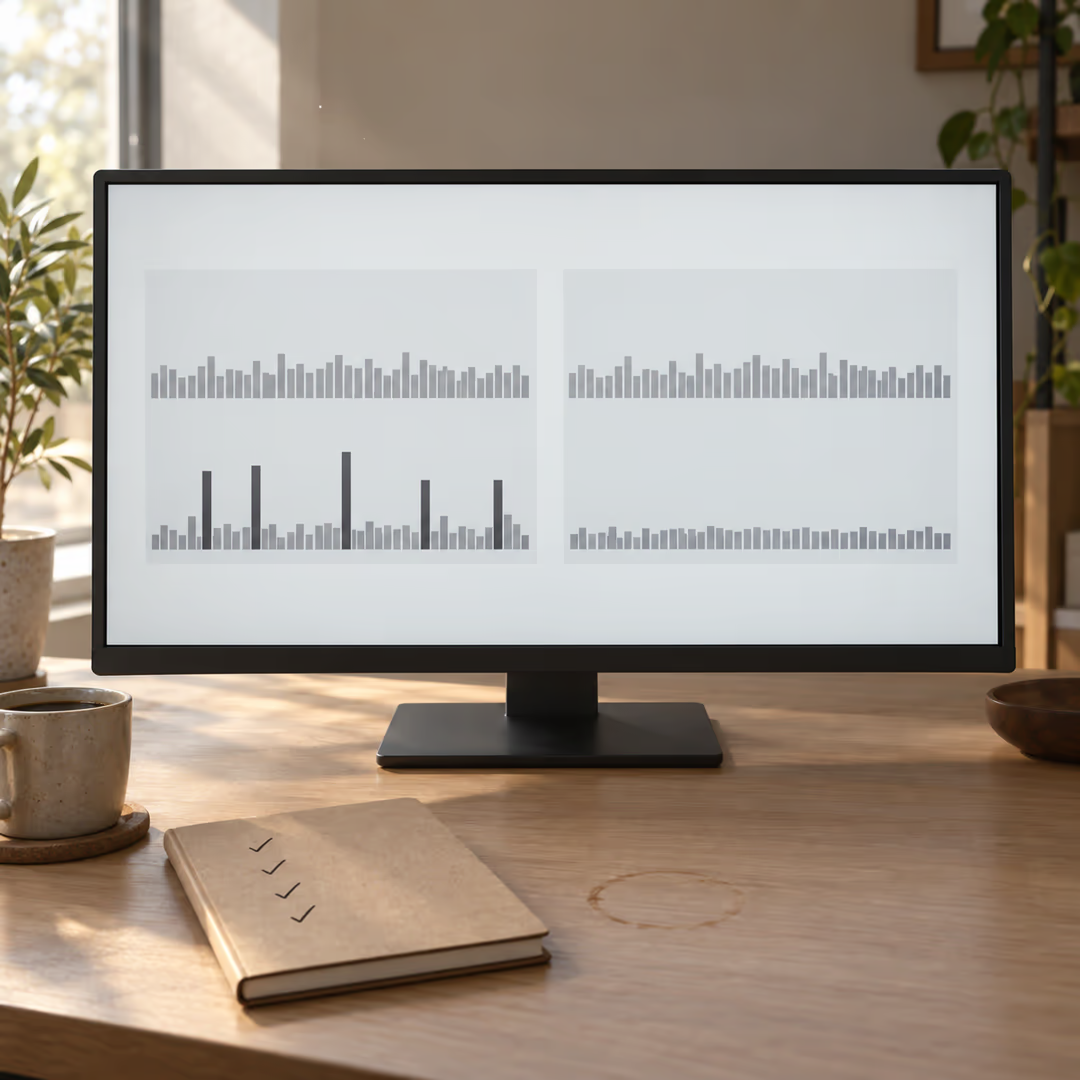
Capture a profile-mode trace on the old SDK, export it as JSON, upgrade, capture the identical interaction again, and read the two side by side.
DevTools supports exactly that loop. The Performance view exports a snapshot from the button above the frame chart, and you can drag that .json file back into DevTools from any page later (DevTools Performance view). Frames over roughly 16 ms carry a red overlay, and frames that are doing shader compilation are marked in dark red specifically — which is the single most useful pixel in this whole exercise, because it separates "slow" from "slow for the reason you are about to change".
A workflow that produces comparable numbers:
- Pin the interaction first. Write down the exact route, the exact scroll distance, the exact window size. A trace of "poking around the app" compares to nothing.
- Build in profile mode with
flutter run --profile. Debug-mode frame timings are not indicative of release performance, and desktop debug builds are especially misleading. - Record the baseline on the SDK you are leaving, run the pinned interaction three times, and export the snapshot before you touch
flutter upgrade. - Upgrade, rebuild, and rerun the same interaction at the same window size on the same machine.
- Compare raster-thread time against raster-thread time and UI-thread time against UI-thread time. A regression that shows up only on the raster row is a rendering story; one that moves both rows is usually your code.
- Count the dark-red frames in each trace. If the old trace had them on first visit to a screen and the new one does not, the precompilation is doing its job.
Step three is the one people skip, and it is the one that makes the rest of the exercise meaningful. You cannot diff against a trace you never took.
Ruling out the renderer when something breaks
Not every 3.47 rendering bug is an Impeller bug, and one P1 from August makes the point better than any advice I could write. A Windows app rendered a completely black window on GPUs limited to Direct3D 11 feature level 9_3, while the process was fully alive and still logging. It reproduced on both Skia and Impeller, because the fault was in the shared Windows compositor passing sized internal formats on an OpenGL ES 2.0 context (flutter/flutter#191978). The bug was opened on 28 August 2026 and closed by a fix to the backing-store format.
If that team had only flipped the opt-out switch and seen the black window persist, they might have concluded the renderer was fine and stopped. The switch is a bisect step, not a verdict.
Two more reports worth knowing before you upgrade a desktop fleet:
- Virtualized and software-ish GPU drivers are the soft spot. Continuous whole-window flicker and incomplete redraws on Mesa SVGA3D under VMware regressed in 3.47.4 and remain open at P2 (flutter/flutter#192915). If your users run your app inside a VM, or your own CI screenshots do, test there specifically.
- Custom shaders are not covered by "precompiled shaders". A
FragmentProgram.fromAsset()runtime effect took the whole process down insided3dcompiler_47.dllduring ANGLE's pixel-shader compile on Windows, and the same binary continued past that route once Impeller was disabled (flutter/flutter#190809). Engine shaders ship precompiled. Yours still compile when you load them.
The opt-out switches, and what they are for
Each desktop platform keeps a temporary escape hatch, and the Impeller documentation states plainly that in a future release the ability to opt out will be removed. Flutter's own framing in the release notes is to treat reverting as a bug report rather than a resting place: file the issue if you must go back to Skia.
| Platform | Debug run | Production opt-out |
|---|---|---|
| macOS | flutter run --no-enable-impeller | FLTEnableImpeller set to <false /> in Info.plist |
| Windows | flutter run --no-enable-impeller | project.set_impeller_switch(flutter::ImpellerSwitch::Disabled) in windows\runner\main.cpp |
| Linux | flutter run --no-enable-impeller | fl_dart_project_set_enable_impeller(project, FALSE) in linux/runner/my_application.cc |
| Android | flutter run --no-enable-impeller | io.flutter.embedding.android.EnableImpeller meta-data set to false in AndroidManifest.xml |
| iOS | Not available | Not available |
Treat the production switches as a way to answer one question: is the renderer responsible for this? Then take the answer to the issue tracker. Shipping on the switch buys you a release or two and hands you a migration you will do later anyway, on someone else's schedule.
An upgrade checklist for shaders, clipping and goldens
Work through this before you tag a desktop release on 3.47:
- Custom shaders. Load every
FragmentProgramyour app uses on each desktop target, on real hardware, in profile mode. This is where Windows and ANGLE have produced hard crashes rather than visual diffs. - Clips and blend modes. Exercise the screens with rounded-rect clipping over scrolling content,
BackdropFilter, and any non-defaultBlendMode. Offscreen MSAA availability differs by feature level, and blend behavior over a filtered layer is exactly where backends disagree. - Platform views. Any embedded native view, video surface or map tile layer sits on the composition boundary. Check it at a non-integer device pixel ratio, because that is where seams and half-pixel offsets appear.
- Golden screenshots. Expect them to fail. SDF text rendering changes glyph edges by design, so your goldens are now recording a different renderer's antialiasing. Regenerate them deliberately, review the diffs by eye before accepting, and do not let a golden update land in the same commit as a feature.
- Window resize and DPI changes. Drag the window between a 1x and a 2x display. Resize continuously rather than in steps.
- Low-end and virtualized GPUs. Keep one old integrated-graphics machine, or one VM, in the test matrix. The open desktop Impeller reports cluster there, not on modern discrete cards.
Item four is the one that will consume your afternoon, and it is also the one that is safe. A glyph-edge diff is the renderer doing what the release notes said it would do. Treat a wholesale golden failure as expected output, and a single-widget golden failure as suspicious.
Does Flutter web move to Impeller too?
No. Web still renders through Skia, which the Impeller docs list as the current web renderer, with Impeller only a possibility for later. A shared codebase shipping desktop and web now runs two renderers, so a visual bug on one says nothing about the other.
Capture one trace before you upgrade
The whole migration comes down to owning a baseline you can point at. Pick the busiest screen in your desktop build, capture one profile-mode trace at a fixed window size today, and export the JSON before you run flutter upgrade. That file is the difference between "it feels smoother" and a number.
Which screen in your app would you not be able to compare, because nobody ever profiled it?