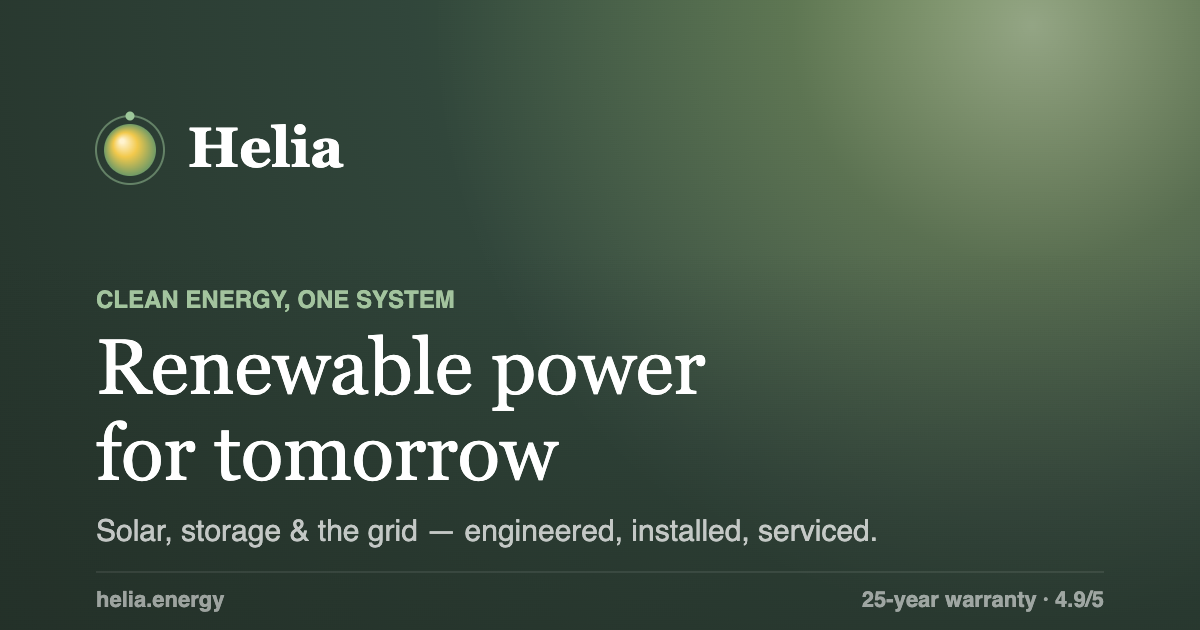
If you're shopping for a solar company website template, you probably want three things: a hero that doesn't look like every other stock-photo roof, a way to show what a system saves, and a page a two-person installer could edit. Helia is one of my web templates aimed at that brief. Open the live demo, scroll it once, and keep the page source open while you read. I checked everything below against the deployed files on 2026-09-30, and where the code disagrees with what an earlier version of this post said, the code wins.
One label up front: every number, partner name, testimonial, FAQ answer and company detail in Helia is placeholder copy for a demo. "24.6 MW live", "312,000 homes", the payback years and the FAQ figures describe no real installer, and the structured data points at a placeholder domain you must replace.
What should a solar company website template include?
A solar company website template should explain the product, show a savings estimate, build trust and end in a quote request, and Helia covers those with nine sections on one page: hero, trust strip, ecosystem, impact band, calculator, how it works, testimonials, FAQ and footer.
The hero has a badge ("Powering tomorrow" with a placeholder live-output figure), a headline that fades in character by character, a subtitle and two buttons. The trust strip is a slow marquee of eight invented partner wordmarks. The ecosystem section explains generation, storage and grid connection next to an orbiting image gallery. The impact band counts up four placeholder figures over a dark gradient. The calculator turns a monthly electricity bill into savings estimates. "How it works" has three steps, and the FAQ section has six questions that are also published as FAQPage structured data.
| Section | What it does | Placeholder content |
|---|---|---|
| Hero | Looping aerial clip, parallax, per-character headline | Badge figure, headline, subtitle |
| Ecosystem | Six images orbiting a centre card | Labels and copy |
| Impact band | Four count-up tiles over a faint video | All four figures |
| Calculator | Bill slider from 50 to 600, four result cards | Every assumption in the formula |
| FAQ | Six questions, mirrored as JSON-LD | Prices, timings and warranty |
The calculator deserves a close look, because it's the part a visitor might treat as advice. The source describes it as a "transparent, intentionally simple model". It assumes solar covers 88% of the bill, estimates usage at $0.17 per kWh, uses 0.39 for the CO2 factor, and clamps payback between 5.5 and 9.5 years. Its "25-year savings" card multiplies the annual figure by 29, and a comment explains this as 25 years including rising utility rates. Those are demo constants. Replace them with your own tariffs and a documented method before a visitor sees the number, and label the result as an estimate.
The structured data is placeholder too. The page embeds Organization and FAQPage JSON-LD that name a company domain and quote prices and warranty terms. If you publish the template as-is, you publish those claims. Rewrite them or remove them.
How is the Helia template built, and what does it cost the browser?
Helia is a static site: one HTML file loads Tailwind from its Play CDN, React and React DOM 18.3.1 development builds (react.development.js), Framer Motion 11.11.17, Lucide 0.456.0 and @babel/standalone 7.29.0, then compiles eight JSX files in the visitor's browser. It is a demo, and it needs a build step before real traffic.
The eight files are lib.jsx, primitives.jsx, OrbitImages.jsx, three sections-*.jsx files, sections-extra.jsx and App.jsx. The deployed demo is a single page, so the earlier claim of separate landing, solar and storage pages isn't something I can support from the live source. The earlier post also said Helia was the only template in the set to use Framer Motion. I can't check the other templates from this repo alone, so I dropped that claim.
Two things stand out. The Tailwind docs state that the Play CDN is designed for development purposes only and is not intended for production, and the React scripts are the development builds, which I would swap for production builds before launch. My Tailwind CSS glossary entry and the Tailwind v4 production migration post cover the compile step.
The bigger cost is video. The hero clip aerial-solar.mp4 is 3,682,024 bytes and the impact-band clip energy-texture.mp4 is 2,401,355 bytes, measured with HEAD requests on 2026-09-30. The HTTP Archive Web Almanac 2024 page weight chapter reports video response sizes at the 90th percentile of 2,835 KB on desktop and 3,432 KB on mobile. Helia's hero clip is larger than both. That doesn't make it wrong for a showcase, but it does make it the first file to recompress, or to replace with a poster image on slow connections.
The second clip is handled better: the impact band mounts its video only when an IntersectionObserver with a 300-pixel margin says the section is near the viewport, so it doesn't compete with the hero at load.
How do the boomerang hero and the orbit gallery work?
The hero plays the clip once while copying frames to canvases, then swaps to a canvas loop that runs those frames forward and backward, and the orbit gallery places six images on one ellipse using CSS offset paths driven by Framer Motion values.
How does the boomerang loop work, and what does it cost in memory?
BoomerangVideoBg starts the video, and on each frame it draws the picture to an offscreen canvas. It uses requestVideoFrameCallback when the browser has it, which MDN lists as Baseline 2024 and describes as running a callback when a new frame is sent to the compositor, and falls back to requestAnimationFrame otherwise. The longest edge is capped at 960 pixels and capture stops at 140 frames. Then a canvas takes over and steps through the stored frames at 30 frames per second, reversing direction at each end, and a six-second guard switches to a soft gradient fallback if the video never starts.
This suggests a memory cost worth testing. If the clip is 16:9 and all 140 frames are captured at 960 by 540 pixels, that's about 290 MB of RGBA pixel data (960 x 540 x 4 bytes x 140), and browsers may hold more. That's my arithmetic from the constants in the source, not a measurement. I haven't profiled it on a phone, so check it on a real device. My separate post on why Mobile Safari reloads video-heavy pages explains how to measure that kind of pressure.
An alternative is a plain <video loop> with a clip authored to loop, which costs almost no memory. The boomerang exists so any clip can be made to loop without a visible jump.
The hero also has a scroll parallax: a passive scroll listener moves the video wrapper by 16% of the scroll distance, capped at 160 pixels, and it is skipped when reduced motion is on.
Is the orbit gallery six concentric rings?
No, and the earlier post was wrong about that. OrbitImages places six items on a single ellipse, 220 pixels wide and 160 pixels tall in radius, using CSS offset-path and offset-distance. MDN describes offset-path as a path an element follows, used with offset-distance, and lists it as widely available since March 2022. A Framer Motion value called progress runs from 0 to 1 over 36 seconds, linearly and forever, and each item's offset is its base position plus that progress. Items near the focal point scale up to 1 + 0.9 times the focus strength, about 1.5 at the demo's 0.55, and the others dim.
Items keep their orientation because offsetRotate is set to 0deg, so nothing needs to be counter-rotated. A centre card labelled "Helia core" pulses in the middle. When reduced motion is on, progress is pinned to 0.4 and the gallery stands still.
The images are six labelled items (solar array, rooftop solar, home battery, EV charging, smart home and smart meter), so replacing them with your own products is a data edit, not a rewrite.
How does the headline animation behave?
The headline is split into one span per character, each with display: inline, and the parent carries an aria-label with the full text while the characters are hidden from assistive technology. Each character fades in over 300 ms with a 20 ms stagger through the Web Animations API, opacity only. A safety timer forces everything visible after 2.6 seconds, and with reduced motion on, the characters show immediately. The other reveals fade and slide down about 18 pixels over 0.6 seconds, so "opacity only" applies to the headline and not to the whole page.
Can you verify this yourself?
- Open the demo with DevTools on the Network tab and compare the two MP4 sizes with the figures above.
- In the Elements panel, find the canvas inside the hero after the first seconds of playback, and watch the hidden video element.
- Drag the bill slider in the calculator and compare the four cards with the formula constants listed earlier.
- Turn on reduced motion in your operating system, reload, and check that the orbit stops and the headline appears at once.
- View the page source and read the two JSON-LD blocks.
For the wider story of how I package these, read Building Web Templates: Design, Engineering, and Selling. For a sibling template with a very different hero, see Horizon, the space tourism template.
Your next step: change the calculator constants to your own region's tariff and view the result, then delete the JSON-LD blocks until you can fill them with facts about your business.