
Your roadmap has a card that says "mobile app", and someone will ask about it in the next planning meeting. Before you answer, open your analytics, filter to mobile-device sessions from the last ninety days, and write down the single most common task those people completed. One line. That line is the whole case for or against an app.
Consider a property owner who checks overnight bookings on a phone before getting out of bed. That is a mobile moment: it happens away from a desk and resolves in under a minute. Now consider a finance lead reconciling four hundred invoice lines against a bank export. Both are hypothetical, and no amount of responsive CSS turns the second into the first. Most teams ask "should we have an app?" when the useful question is "do we have a moment like the first one?"
Does your SaaS need a mobile app at all?

A SaaS needs a mobile app only if customers repeat a task away from a desk that resolves in under a minute. Everything else is a website that works on a phone, and a responsive web app covers it.
Run the test on your own data. For most B2B SaaS tools, my expectation is a short list: check a status, approve something, read a notification, look up one record before a meeting. That is a hypothesis to check, not a finding. If your list looks like that, you need a few screens and some notifications, not a mirror of your dashboard.
The opposite failure is easy to picture. Say a team rebuilds its desktop navigation on a 390-pixel viewport, ships it, and finds that installs open the app to check one number. That number could have been a push notification. Where the test does come back yes is field work, scheduling, and anything tied to a physical location, or any product where the user's hands are busy and the phone is the only computer in reach. Those are real cases. They are a minority of SaaS products.
Should a SaaS companion be a PWA or native?
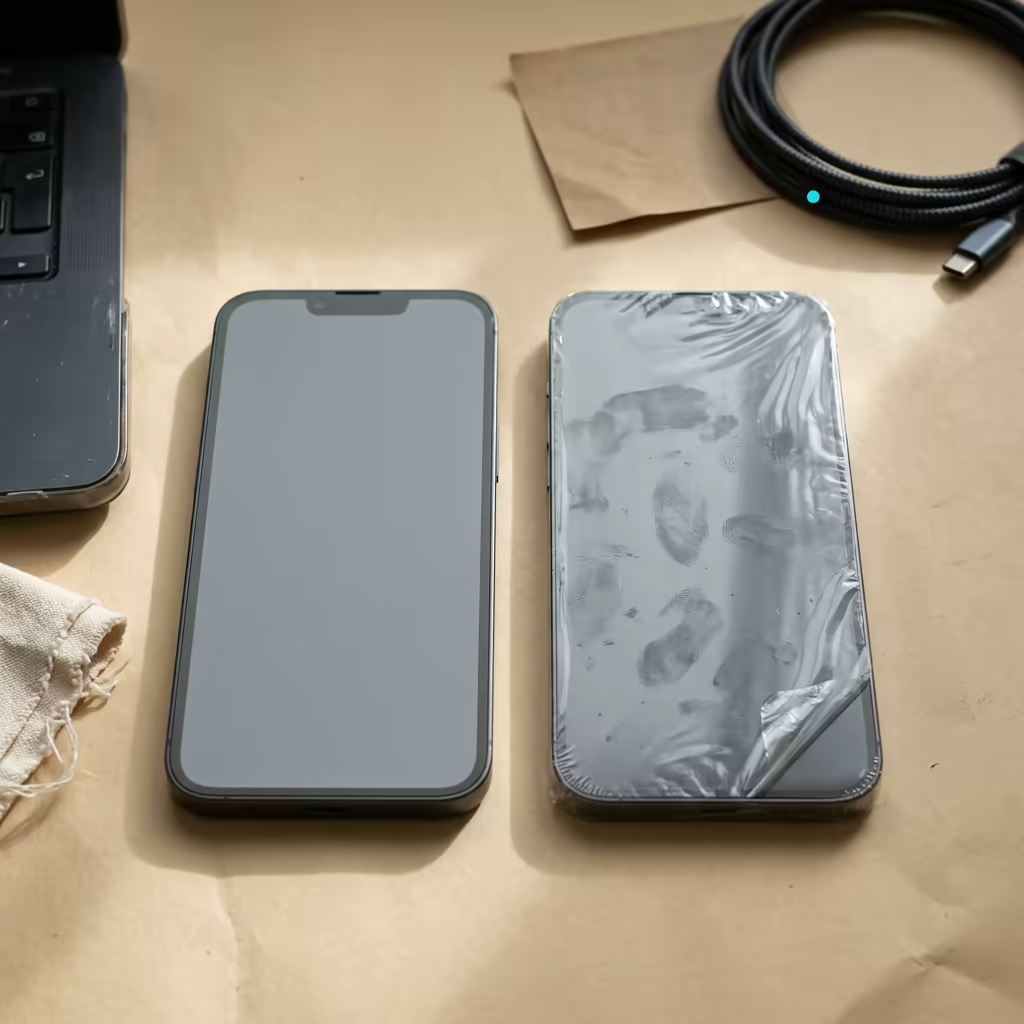
A progressive web app covers most companion use cases, with one hard limit: on iPhone, web push works only for web apps the user has added to the Home Screen. That single constraint decides more of these projects than any performance benchmark.
WebKit's team announced web push for Home Screen web apps in iOS and iPadOS 16.4, using the standard Push API, Notifications API and service workers. Sites must ship a manifest with display set to standalone or fullscreen. A plain browser tab is not covered by that announcement, so plan for the Home Screen flow.
That flow has friction. The beforeinstallprompt event that lets you trigger an install prompt is, per MDN, non-standard and implemented only in Chromium-based browsers, so on iOS users must find Share, then Add to Home Screen, themselves. Apple has commented on adoption too. When it planned to drop Home Screen web apps in the EU for iOS 17.4, 9to5Mac reported that Apple cited "very low user adoption of Home Screen web apps". This suggests you should not count on most iOS users completing that flow unprompted.
| Capability | Responsive web | PWA on Home Screen | Native or cross-platform |
|---|---|---|---|
| Push on iOS | Not in a browser tab | Yes, after Add to Home Screen (iOS 16.4+) | Yes |
| Install prompt | None | Chromium only; iOS is manual via Share | Store install |
| Store listing and search | No | No | Yes |
| Review before each release | No | No | Yes |
| Background Sync API on iOS Safari | No | No | Native background APIs |
| Distribution cost | Hosting only | Hosting only | $99 per year Apple, $25 once Google |
Read the table as a cost ladder, not a feature ladder. Each step right buys capability and costs release speed.
What do store review and a second release train cost?

Shipping to the stores adds a review step to every release, fees, and a second client to maintain. None of that appears in a build estimate, and the maintenance is the larger part.
The published numbers: the Apple Developer Program costs $99 per year, and Google Play charges a one-time $25 registration fee. Google also requires personal developer accounts created after 13 November 2023 to run a closed test with at least 12 testers opted in for 14 days before applying for production access, and says review usually takes seven days or less. For a two-person team, finding twelve testers can take longer than the code.
On the Apple side, guideline 4.2 says an app should include features, content and UI that go "beyond a repackaged website" and that an app that is not "particularly useful, unique, or 'app-like'" does not belong on the store. A companion that wraps your dashboard in a WebView is the shape that rule describes. Apple also changed guideline 4.3(b) on 9 June 2026, adding that it may remove apps in saturated categories "if they are not updated, improved, or do not attract customers", as MacRumors reported. That clause targets categories such as dating, flashlight and simple timers, so I would not read it as aimed at B2B companions. Treat it as a reason to keep any published app maintained.
What a mobile companion costs after launch
The build is the cheap part. A companion is a second release train on a different schedule from your web deploys: OS updates each year, certificate and provisioning renewals, crash reporting outside your web observability, and a review queue between a fix and your users. Then there is version skew. One quiet advantage of the SaaS delivery model is that every customer runs the same version, and a second client breaks that. Your API has to stay compatible with app versions you cannot force-upgrade.
If your web team writes React, the question is how much logic travels. API clients and business logic can be shared between React and React Native through a workspace package, and UI mostly cannot, in my experience. Flutter gives one codebase across mobile and web, at the price of keeping Dart models beside TypeScript ones. The trade-offs between FlutterFlow and hand-written Flutter shift the maintenance maths again, and the Flutter tooling worth standardising on is a shorter list than the ecosystem suggests.
How this looks on BookBed
BookBed is a Flutter and Firebase property management app with Stripe billing, from one codebase across iOS, Android, web, macOS, Linux and Windows. Per its case study it is live on the App Store and Google Play, and Firebase Cloud Messaging carries push notifications. Its design assumes that owners check bookings away from a desk. That is an assumption, not measured usage.
The fee maths is concrete. The case study lists BookBed at €9 per month for up to twenty units, and says paid traffic is not yet activated. A $99 Apple membership is therefore roughly one customer's €108 annual subscription (12 × €9, ignoring exchange rates) before any revenue arrives. Price the fee in at the start, not at the first renewal notice.
If the answer is yes, what do you build first?
Build the web version of the moment first, then measure. The order below keeps the expensive decisions for last.
- Instrument before you design. Tag every mobile-web session with the task completed and run it for four weeks. If no single task accounts for about a third of mobile sessions, stop here. The third is my rule of thumb, not a published threshold.
- Ship the progressive web app. Add a manifest, a service worker, an install prompt for Chromium browsers and a plain explanation of Share, then Add to Home Screen for iOS. It takes days and answers the demand question with real users.
- Count how many iOS users complete Add to Home Screen without being pushed. That is your realistic ceiling for native installs.
- Register the store accounts early. The 12-tester clock on Google Play cannot start until the account exists, and Apple enrolment has its own checks.
- Scope version one to the single task, sign-in, one list and settings.
- Add push notifications in release one. Without them you have shipped a bookmark with an icon.
If the answer is no
Say so in your changelog and give the reason. "We are not building a mobile app; here is how to add the web app to your Home Screen" answers a sales objection better than a roadmap card that never moves. People ask for the app because they want the moment solved, so solve the moment.
Write down the most common mobile task in your analytics today. If you can fill that line, ask the harder question: is it a screen, or is it a notification?