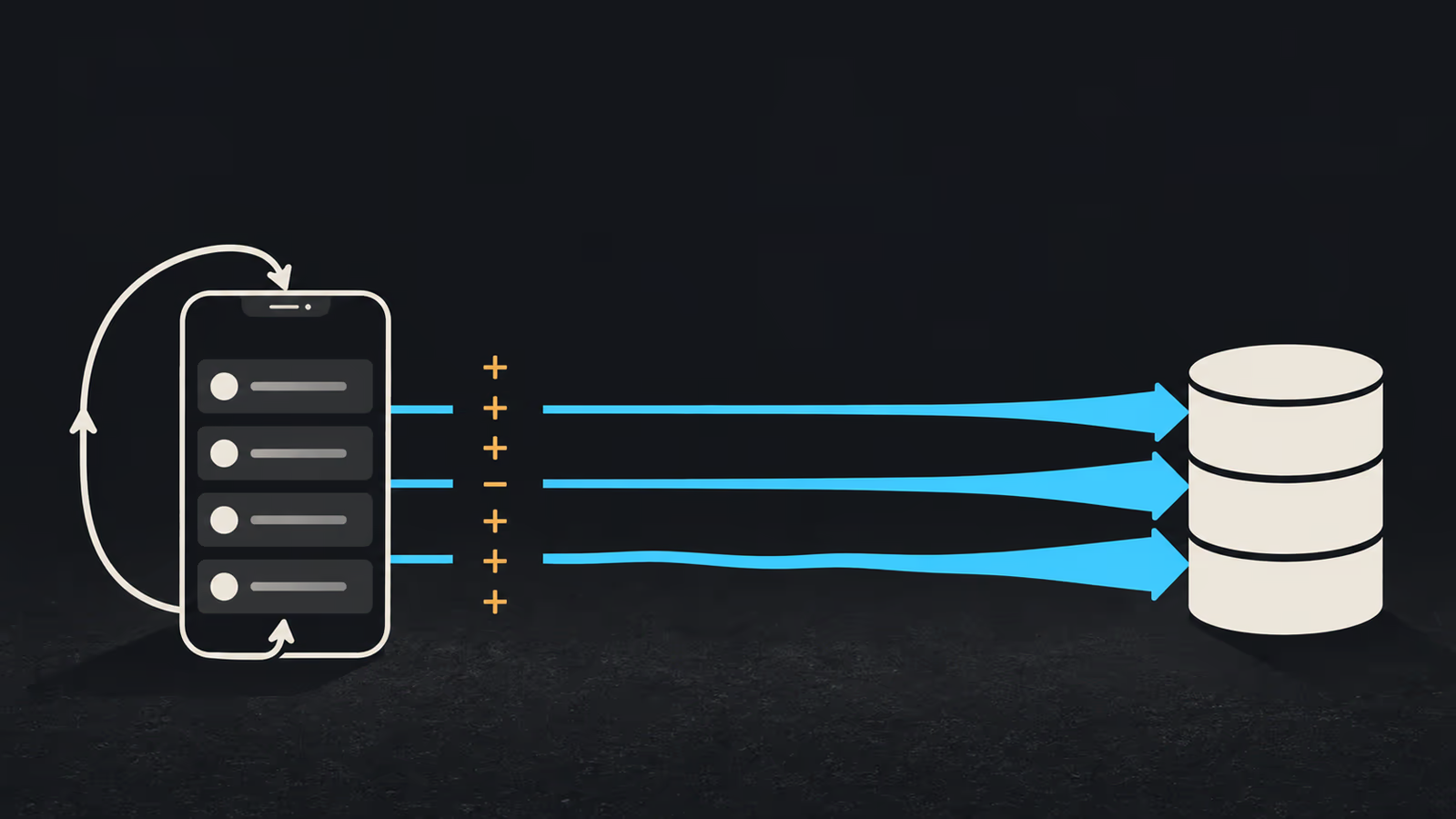
A Firestore snapshot listener does not bill you for the time it stays open. It bills per document event, and the first event is the entire result set arriving at once. The pricing documentation says that when you listen to the results of a query "you are charged for a read each time a document in the result set is added or updated", and the realtime guide adds that "the first query snapshot contains added events for all existing documents that match the query". Read those two sentences together: attaching a listener to a query that matches 200 documents costs 200 document reads before anyone edits anything.
That is usually why reads climb while people navigate. The screen renders ten rows, the query behind it matched two hundred documents, the user walked into that screen four times, and nothing cancelled the first three subscriptions. So the first move is an inventory rather than a cache. Find out which subscriptions exist, when each one is created, and when each one is destroyed.
Everything below assumes cloud_firestore 6.10.0, a debug build you can run on a device, and access to the Firestore usage page of the project. The Dart here is a reference implementation checked against the documented APIs. It has not been executed against a live project in writing this, so treat the verification pass near the end as the part that proves it in your app.
What a listener bills, event by event
Four rules cover almost every surprise on the usage graph. All of them come from Google's Firestore pricing documentation, checked in October 2026.
| Event | Charge |
|---|---|
| Listener attached to a query that matches N documents | N reads, one per added event in the first snapshot |
| A document in the result set is added or updated | 1 read |
| A document leaves the result set because it changed | 1 read |
| A document in the result set is deleted | no read |
| A query that matches nothing | minimum of 1 read |
| Listener reconnects after more than 30 minutes offline, persistence enabled | billed as a brand new query |
count() aggregation | 1 read per batch of up to 1000 index entries, minimum 1 |
The deletion row catches people out, because it reads like a general discount on documents leaving a list, and it is narrower than that. A document that is deleted costs nothing. A document that leaves your result set because its own fields changed, say a status field moving from open to archived while your query filters on open, is charged as a read. Filter churn is billable, disappearance is not.
The index entry rows need one qualification. Queries are charged for documents and index entries read, with one read per batch of up to 1000 index entries, and queries using at most one range field are not charged for index entries at all. That exception covers a lot of ordinary mobile queries, so do not treat index entries as a hidden surcharge on every listener you own.
Count the subscriptions before you tune anything
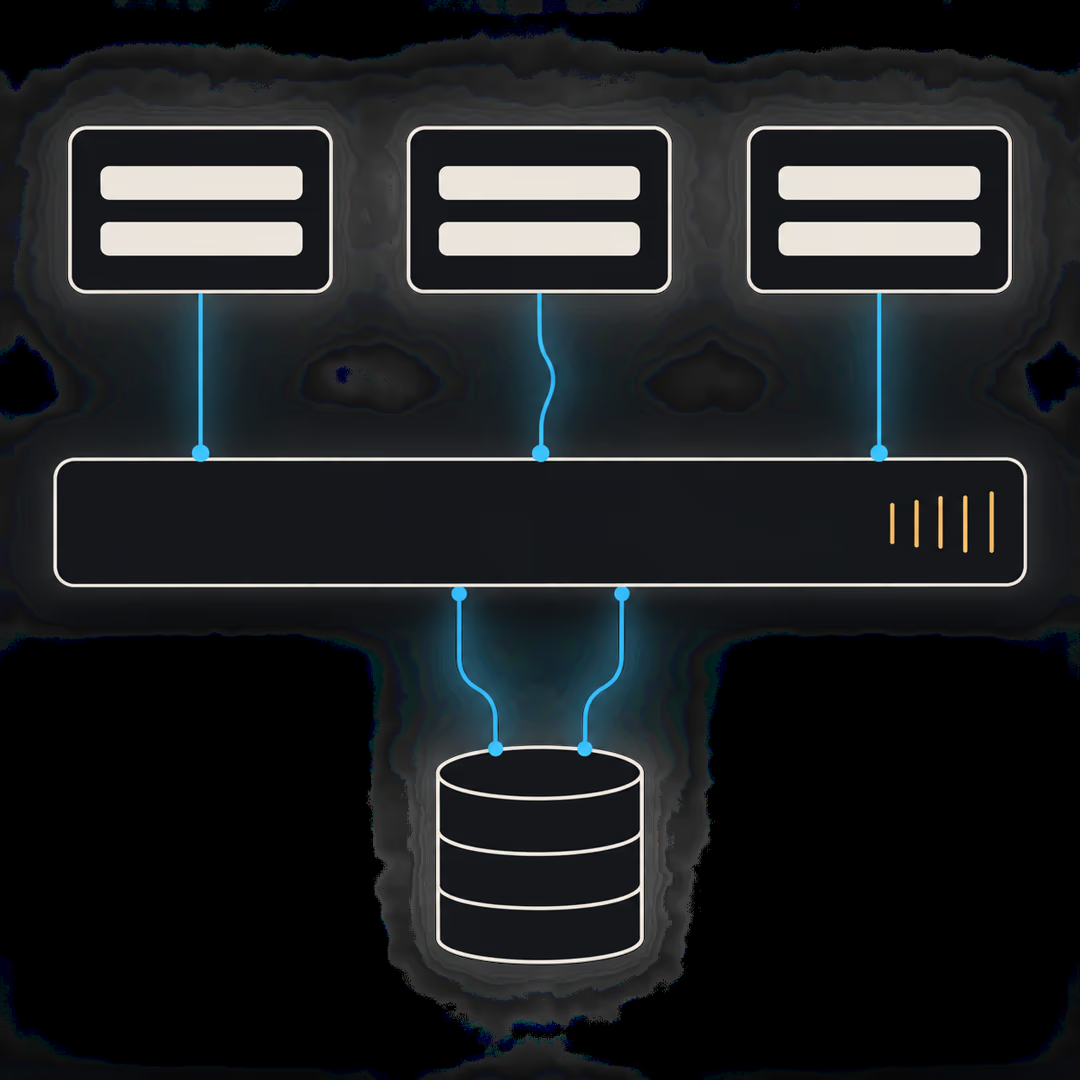
You cannot reason about a bill you cannot see. Before changing a single query, make every subscription in the app pass through one place that counts it.
import 'dart:async';
import 'package:flutter/foundation.dart';

/// Debug-only inventory of live Firestore subscriptions.
class ListenerRegistry {
  ListenerRegistry._();
  static final instance = ListenerRegistry._();

  final _live = <String, int>{};

  int get total => _live.values.fold(0, (sum, count) => sum + count);

  /// Wraps a subscription so attach and cancel are both recorded.
  StreamSubscription<T> track<T>(
    String label,
    Stream<T> stream,
    void Function(T) onData, {
    Function? onError,
  }) {
    _live.update(label, (count) => count + 1, ifAbsent: () => 1);
    debugPrint('listener + $label  live=${_live[label]}  total=$total');

    final subscription = stream.listen(onData, onError: onError);
    subscription.onDone(() => _release(label));
    return _TrackedSubscription<T>(subscription, () => _release(label));
  }

  void _release(String label) {
    final count = (_live[label] ?? 1) - 1;
    if (count <= 0) {
      _live.remove(label);
    } else {
      _live[label] = count;
    }
    debugPrint('listener - $label  total=$total');
  }
}
_TrackedSubscription is a thin StreamSubscription wrapper whose cancel() calls the release callback and then the real cancel(). Every screen now attaches through ListenerRegistry.instance.track('orders:open', query.snapshots(), ...), and the log tells you what the app is holding. A label per query, not per screen, matters here: two screens sharing one query should show as two live entries under the same label, which is exactly the duplication you are hunting.
Printed during navigation, the output is a lifecycle trace rather than a cost report. A synthetic example of what a leak looks like:
listener + orders:open  live=1  total=1
listener + orders:open  live=2  total=2
listener + orders:open  live=3  total=3
Three entries under one label, after walking into the same screen three times, means nothing was cancelled on the way out.
The duplicate subscription a rebuild creates
The most common duplicate is not written by hand. It is created by build(). The StreamBuilder documentation is direct about the cause: the stream "must not be created during the State.build method call when constructing the StreamBuilder", because if it is, "every time the StreamBuilder's parent is rebuilt, the asynchronous task will be restarted".
Restarted means the old subscription ends and a new one attaches, and a new attachment pays for the first snapshot again. A parent rebuilding on a keyboard opening, a tab change or a provider update therefore repeats a full result set charge, which is the part that does not show up in code review.
// Reattaches on every parent rebuild.
@override
Widget build(BuildContext context) {
  return StreamBuilder<QuerySnapshot<Map<String, dynamic>>>(
    stream: FirebaseFirestore.instance
        .collection('orders')
        .where('status', isEqualTo: 'open')
        .limit(20)
        .snapshots(),
    builder: (context, snapshot) => OrderList(snapshot: snapshot),
  );
}
// Created once, cancelled once.
class _OpenOrdersState extends State<OpenOrders> {
  late final Stream<QuerySnapshot<Map<String, dynamic>>> _orders;
  StreamSubscription<QuerySnapshot<Map<String, dynamic>>>? _subscription;

  @override
  void initState() {
    super.initState();
    _orders = FirebaseFirestore.instance
        .collection('orders')
        .where('status', isEqualTo: 'open')
        .limit(20)
        .snapshots();
  }

  @override
  void dispose() {
    _subscription?.cancel();
    super.dispose();
  }

  @override
  Widget build(BuildContext context) {
    return StreamBuilder<QuerySnapshot<Map<String, dynamic>>>(
      stream: _orders,
      builder: (context, snapshot) => OrderList(snapshot: snapshot),
    );
  }
}
If you subscribe by hand instead of through StreamBuilder, the cancellation is yours to perform. Firestore's own guidance is that "you must detach your listener so that your event callbacks stop getting called", and the Dart path for that is holding the StreamSubscription and calling cancel() on it. A StatefulWidget cancels in dispose. A repository or controller that outlives the screen needs its own close method, called from wherever its lifetime actually ends.
One exception is worth knowing so you do not write dead code for it: after a listen error, Firestore states that "the listener will not receive any more events, and there is no need to detach your listener". A permission failure ends the subscription on its own.
Documents the view never renders
A correctly disposed listener can still be expensive if its query is wider than the screen. Three scoping tools, in the order they usually pay off.
Page the query. Firestore pages by combining query cursors with the limit() method, so the first page is query.limit(25) and the next is query.startAfterDocument(lastVisible).limit(25). A listener on a paged query charges for the page, not the collection. If you keep one page live while the user scrolls, also decide what happens to the earlier pages, which is where cursor correctness and duplicate rows come in; that part is covered in the walkthrough on paginating Firestore with live updates without duplicate rows.
Ask for a number instead of the documents. A badge showing how many open orders exist does not need the orders. collection('orders').where('status', isEqualTo: 'open').count().get() returns the number, billed per batch of up to 1000 index entries with a minimum of one read. The limits are real and documented: you "can't use aggregation queries with real-time listeners and offline queries", the result comes from the backend "skipping the local cache and any buffered updates", and an aggregation that cannot resolve within 60 seconds returns a DEADLINE_EXCEEDED error. So a count is a refresh-on-demand number, never a live one: pair it with an explicit refresh action rather than an expectation that it tracks the collection.
For a collection large enough that the aggregation itself risks that deadline, the documented alternative is a maintained counter, which means a summary document your writes keep up to date. That moves the cost from read time to write time and changes the consistency story: the badge now reflects whatever the last successful counter update wrote, so a failed or retried write shows up as a number that disagrees with the collection until something repairs it.
Listen to the cache when staleness is acceptable. snapshots() accepts a source, and ListenSource.cache makes the listener "retrieve data and listen to updates from the local Firestore cache only", returning an empty snapshot if the cache is empty. On Android and Apple platforms, offline persistence is on by default, so there is usually a cache to read. The trade is explicit in the platform documentation: cached data may be stale if the cache has not synced recent server changes. Use it for a secondary panel, not for the balance a customer is about to act on.
Reconnects, resume and sign out
Lifecycle events outside your widget tree are billing events too. With offline persistence enabled, a listener disconnected for more than 30 minutes is charged on reconnect "for documents and index entries read as if you had issued a brand-new query". With persistence disabled, that charge applies whenever the listener disconnects and reconnects. Since persistence is enabled by default on Android and Apple platforms, the mobile default is the 30 minute version, and the cost of a backgrounded app returning is one full result set per surviving listener.
That makes a long-lived listener on a wide query the worst shape to leave running: it pays its full attachment cost again every time the app comes back from a long sleep. A screen the user visits twice a day does not need its subscription alive between visits.
Sign out deserves its own line in the audit. If a subscription built from the previous user's ID survives the sign-out, best case your rules reject the next reconnect and the listener ends with an error, worst case it keeps serving data that no longer belongs on screen. Cancel every subscription as part of the sign-out sequence, before the auth state actually changes, and confirm the registry total reaches zero.
An estimate with its assumptions visible
Arithmetic is useful here as long as every input is labeled as an assumption rather than a measurement. Take a synthetic app, and write down the numbers you are inventing:
- 500 daily sessions
- 4 visits per session to a screen whose query matches 150 documents
- no disposal on exit, so each visit attaches a new listener
- 1 return from background per session, past the 30 minute window, with 2 listeners still alive
Attachments: 500 x 4 x 150 = 300,000 reads. Reconnects: 500 x 2 x 150 = 150,000 reads. The daily total is 450,000 document reads for one screen, under these assumptions. Fix disposal and page the query to 25 documents, and the same assumptions give 500 x 4 x 25 = 50,000 reads for attachments, plus 500 x 1 x 25 = 12,500 for a single surviving listener's reconnect.
That is a model, not a result. Compare it against the usage page of your own project before repeating any of it: console figures are aggregated across every client and feature and are not instantaneous, so reconciliation is approximate by nature. If the real number is an order of magnitude away from your model, the assumption list is where the wrong number lives, and the registry log is how you find which one.
Walk the app and watch the counter
Run these in a debug build, reading the registry total after each step.
- Open the suspect screen, go back, and repeat five times. The total must return to its baseline each time. A total that climbs by one per visit is a missing
cancel(). - Rotate the device or open the keyboard on that screen. A label whose count rises here means a stream is being created in
build(). - Switch tabs back and forth in a
TabBarView. Offscreen tabs that keep their subscriptions are a deliberate choice; make sure it is one. - Background the app, wait past 30 minutes, and resume. Note how many listeners are still alive, because each one is about to pay a full attachment charge.
- Sign out. The total must be zero. Anything left is holding a query built for a user who is gone.
- Compare a day of this behaviour against the project usage page, with your assumption list beside it.
Steps 1 through 5 are observations you can trust from a single device. Step 6 is a reconciliation, not a proof, and it needs the traffic assumptions written down to mean anything.
What this audit cannot tell you
This method finds subscriptions and their lifecycle. It does not find a slow query, a missing index or a rules change, and it says nothing about write or delete costs. Aggregate counts cannot replace a listener where the UI genuinely has to update itself. Cache-only listening trades freshness for reads, which is wrong for anything a customer is about to act on. The arithmetic above is a model whose inputs you supply, so it can be wrong in both directions.
If the screen was built in FlutterFlow rather than in Dart, the lifecycle is the builder's to manage and the toggle to read is the one on the query itself. FlutterFlow documents the Firestore option as Listen For Changes, which "updates displayed documents when their data changes" and "is enabled automatically when infinite scroll is turned on". So an infinite-scroll list is a live query by construction, and a list that only needs to be correct when opened does not have to be. The registry above is custom Dart, so it belongs in a project where you own the widget code; inside FlutterFlow, audit the queries on each page and whether each one needs to listen at all.
If you want the wider picture of how the pieces fit before tuning any of them, the overview of how a Flutter and Firebase SaaS stack fits together covers the stack decisions, and the walkthrough of offline-first write handling for field tools covers what happens to writes made with no connection.
Start with step one on a single screen. If the registry total does not return to its baseline after five visits, you have found the first thing to fix, and you have found it without guessing at the bill.